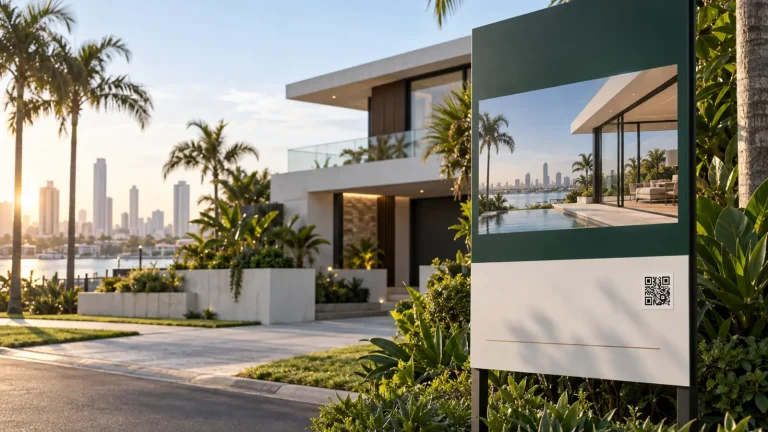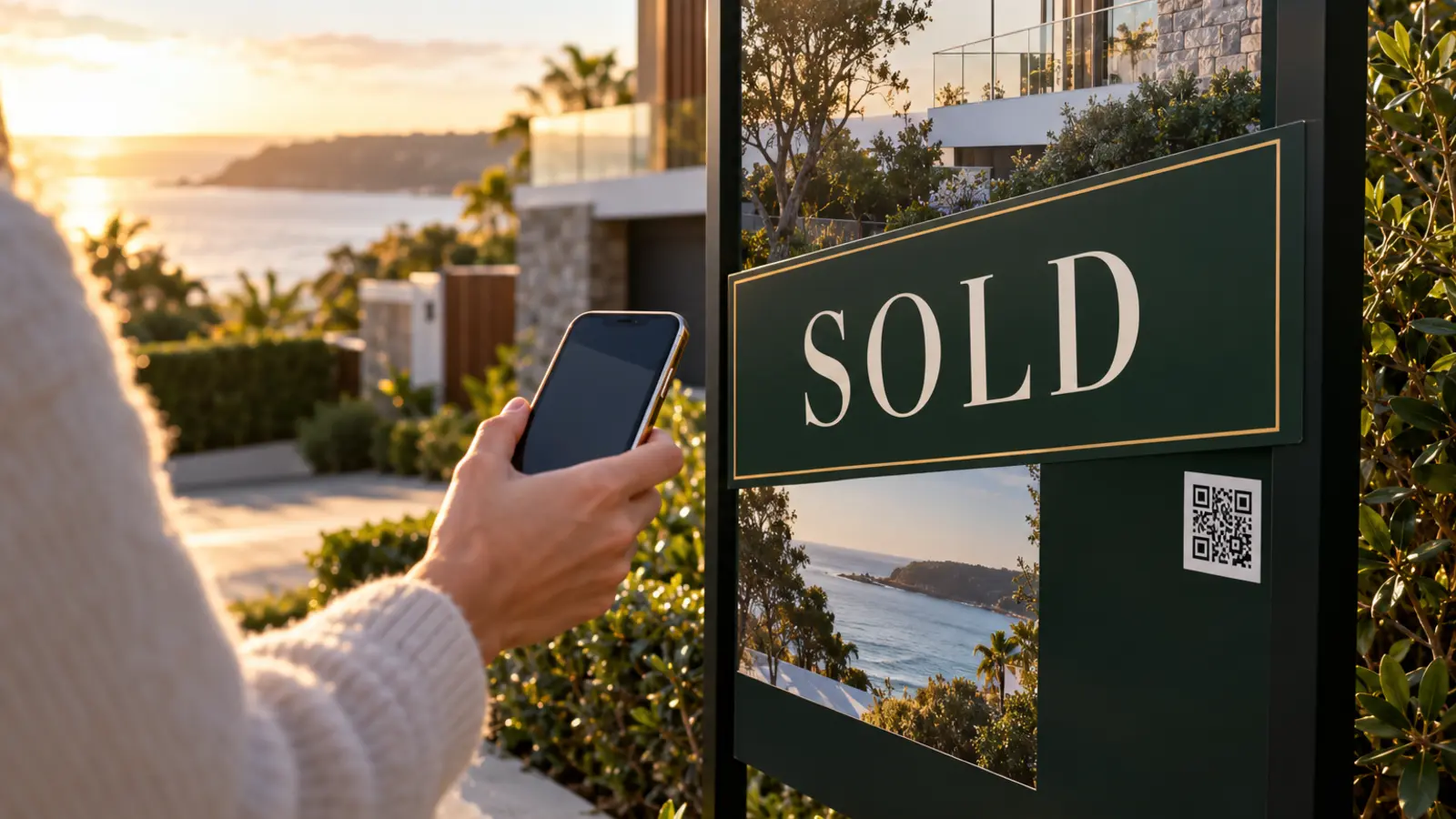

Most QR codes used on physical marketing are created for a single destination. That is simple, but it is a poor fit for reusable property signage because the board can outlive the page it originally pointed to.
Treat the QR as part of the sign inventory
Hotlink gives every physical sign a permanent identity. That identity can be preprinted in production, claimed by an agency and assigned to a property when the board is installed.
The QR does not need to contain the final listing URL. It resolves through Hotlink, which means the agency can update the destination and business logic without touching the printed asset.
The operating workflow
- Create or claim the sign. Each board receives a unique serialised QR identity.
- Assign the property. Link the sign to the listing and relevant agent.
- Install it. Field workflows can record status and optional photo/GPS evidence.
- Move through the lifecycle. Installed, Under Contract, SOLD and Removed states can change what the scan does.
- Reuse it. Once removed, the same physical QR can be assigned to another property.
Why reuse matters
When the QR is tied to the sign rather than the listing, agencies can standardise signage production and preserve the same operating process across many campaigns. The physical asset stays simple while the digital layer remains flexible.
This also avoids making the signage strategy dependent on one CRM, property portal or sign supplier. Hotlink can sit between the physical board and whichever destination makes sense for that property state.